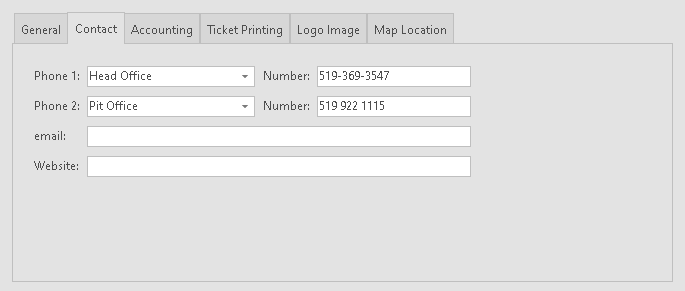
Use this tab to enter Contact information that applies to a Company.
Typically this information would be printed on Tickets and Invoices that are created for a Company.
1.Use the Phone 1 and Phone 2 prompts to provide a description of a phone number.
2.Use the Number prompts for the phone number.