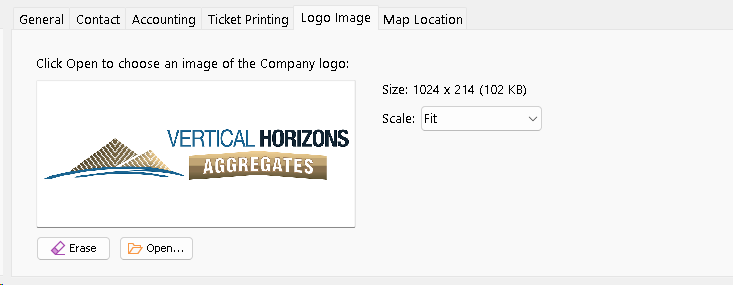
Use this tab to select a logo image that represents a Company. Typically this logo would be printed on Tickets and Invoices that are created for a Company.
1.Click the Load Image button to choose an image.
2.To remove a logo image, click Edit.
3.To remove a logo image, click Erase.
4.Right-click the image to Edit the image.
5.The size of the image will displayed. A warning will be displayed if the image is extraordinarily large.
You can use the Scale drop-down to change how the image appears in the Logo Image tab. This does not effect how the image will be printed on a Ticket or Invoice.
We recommend keeping the logo image size below 512 KB. The reason is that we have noticed that when reprinting multiple Tickets, if the image is too large the Ticket preview window will load slowly, complain about running out of memory or might not load all Tickets.
If you insist on using an unsupported image size, Dispatch will display a warning.