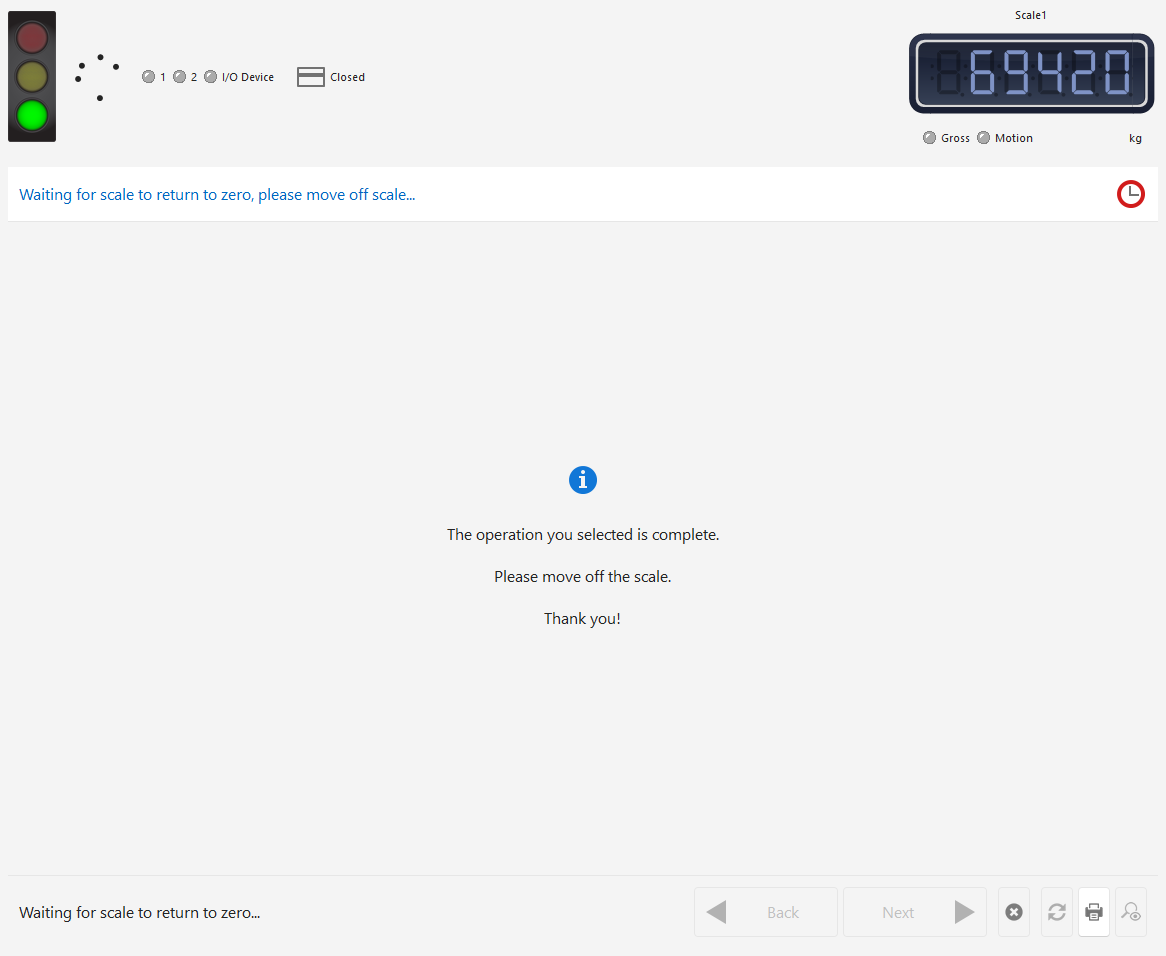
Print ticket
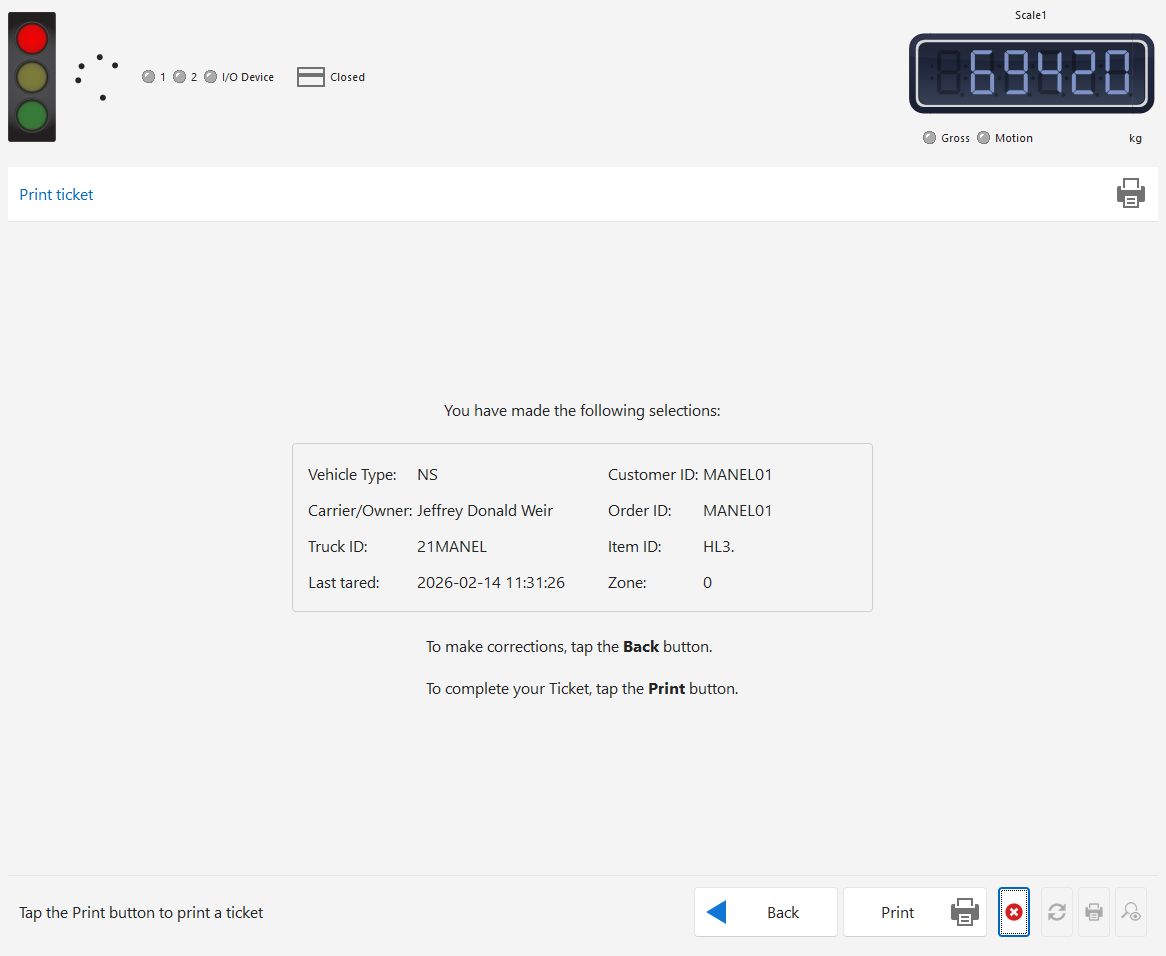
If the user selected Weigh Out or Weigh In in Step 4, a summary of the selections that were made in previous selection will be displayed.
The user can choose to tap the Back button to make corrections.
To complete the operation, the user must tap the Print button. If Weigh In was selected, the button will be labeled Finish.
A message will be displayed when the Ticket has a been saved and printed.
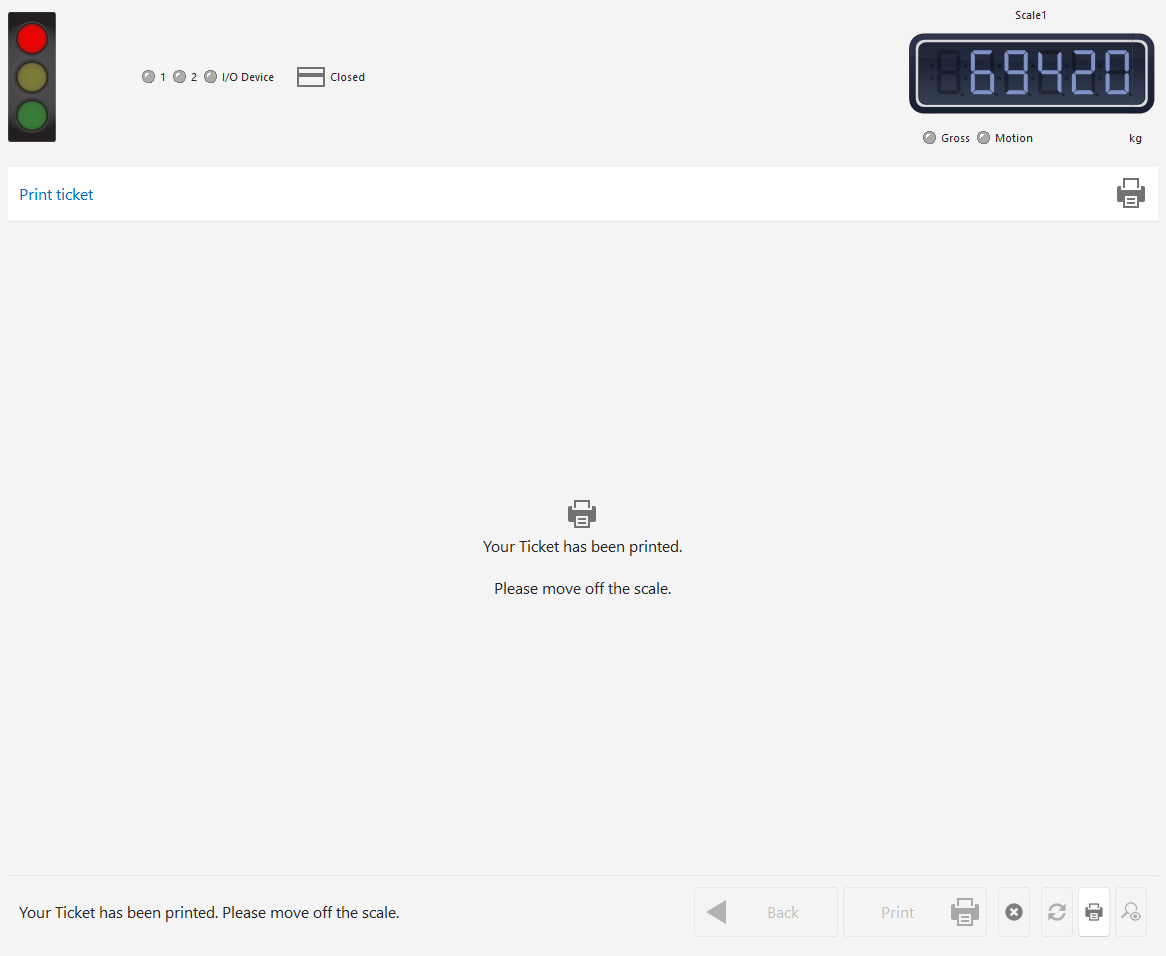
After a short delay, the system will return to Step 0.