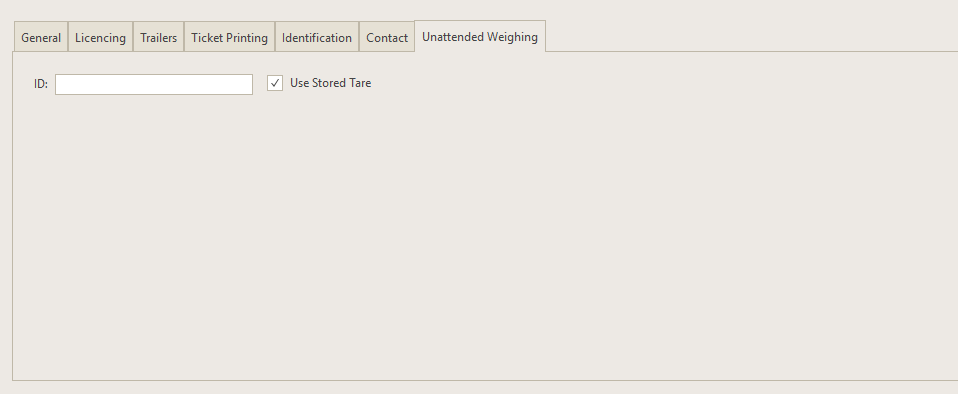
1.The ID value can typed or read from the ID device using a keyboard wedge or the Card Reader device.
2.To read the ID from the Card Reader, select the device you want to use.
3.Click Capture Card ID to set the Card Reader device into read mode. When the reader detects a device the ID value will be updated.
4.When Auto complete is checked, when the Card Reader device is used, transactions are complete without any input from the driver using the Auto Recall values specified on the Ticket Printing tab.
HID® OMNIKEY® Workbench Tool 2.4 for Windows